Kali Linux Setup
Step 1: Download Kali Linux
Download Kali Linux 64 bit
Step 2: Create new VM
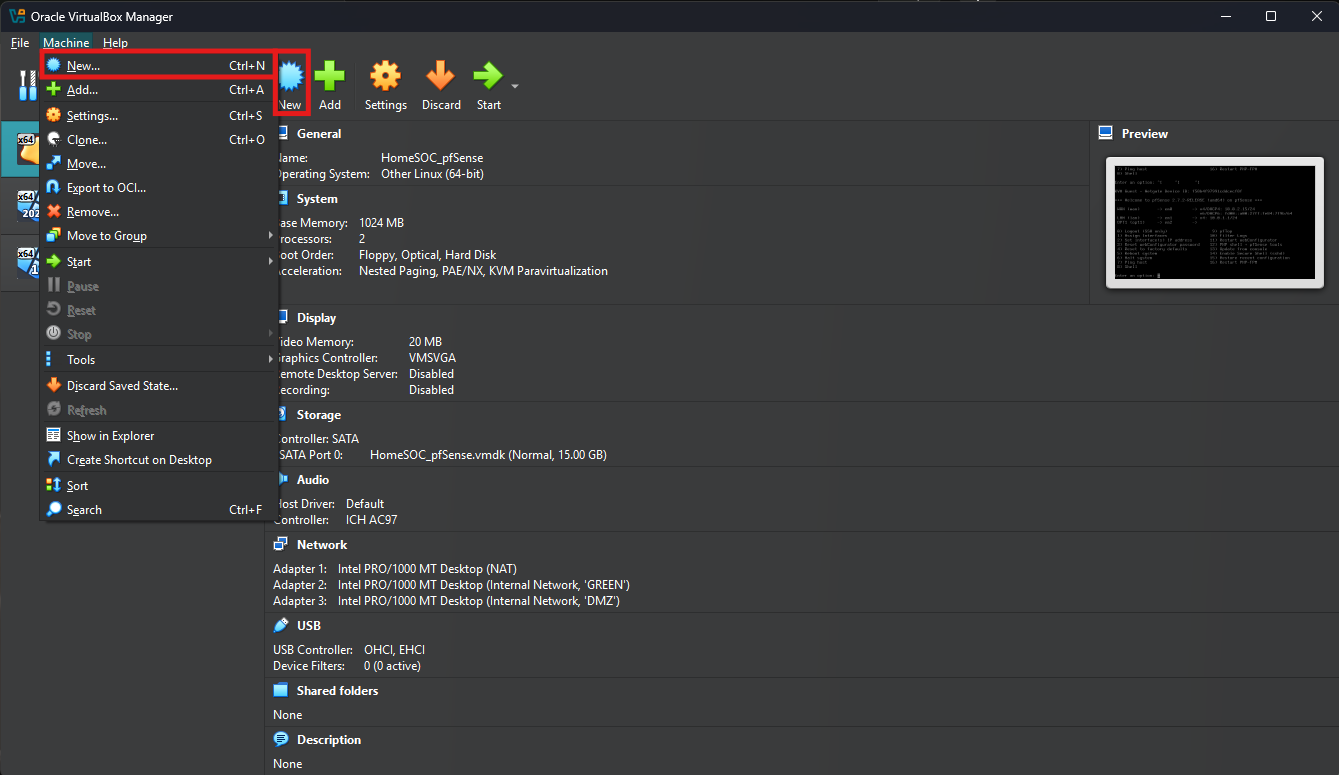
Launch Oracle VBM and select “New”
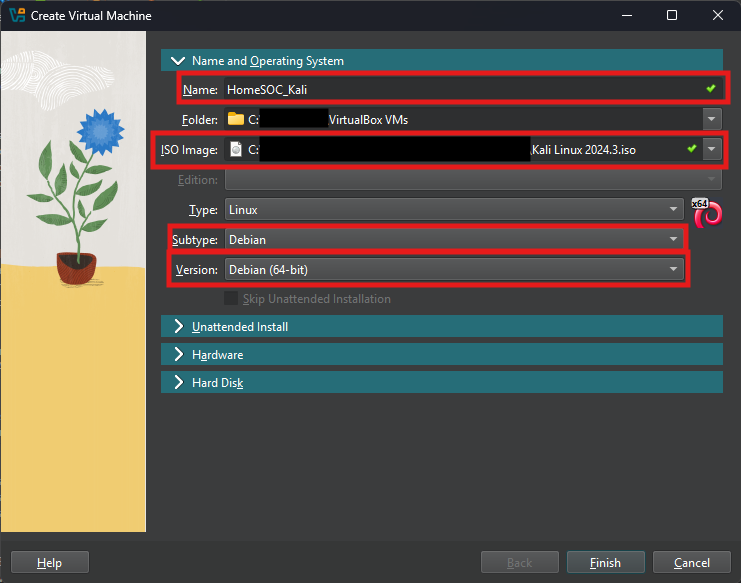
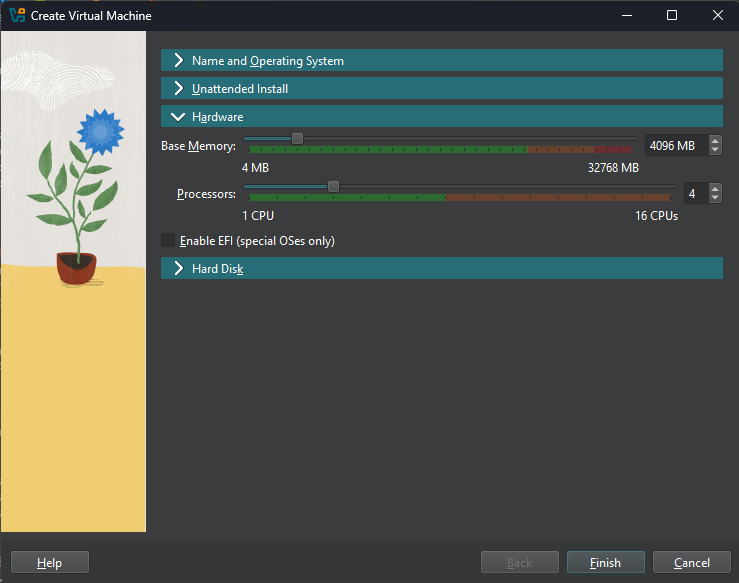
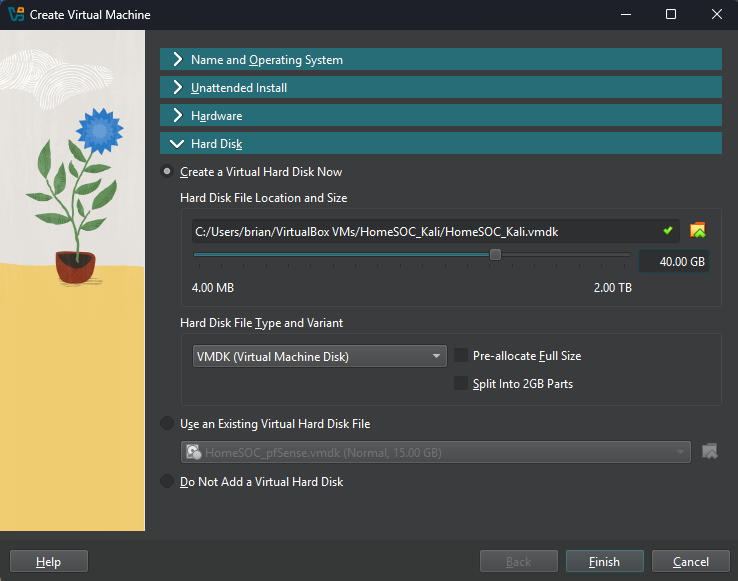
Follow along with below images on completing the VM setup
Step 3: Network Settings
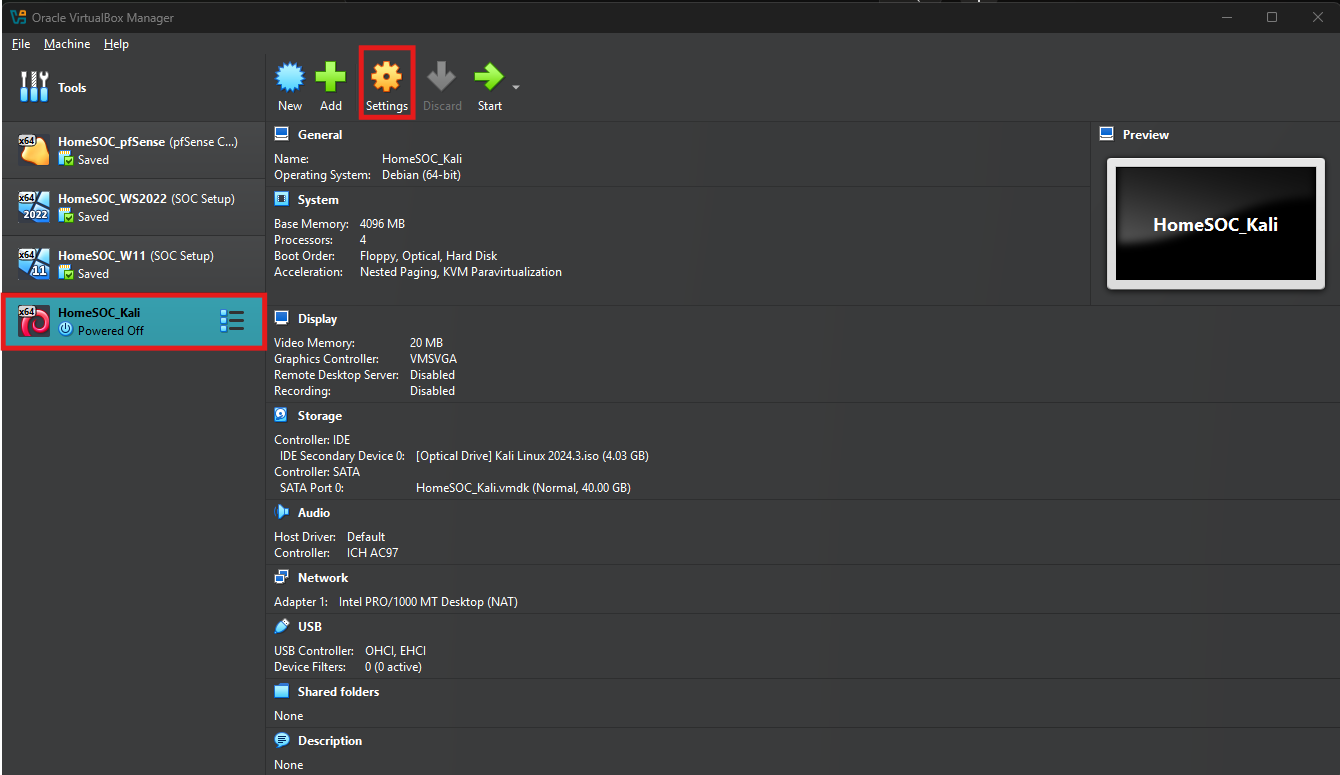
Select the Kali Linux VM’s settings and then network
In Network settings configure the following

Step 4: Installing Kali Linux on VM
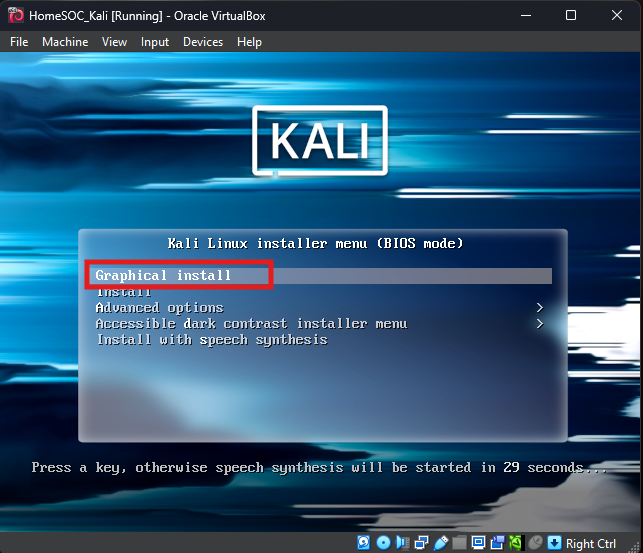
Launch the Kali Linux VM
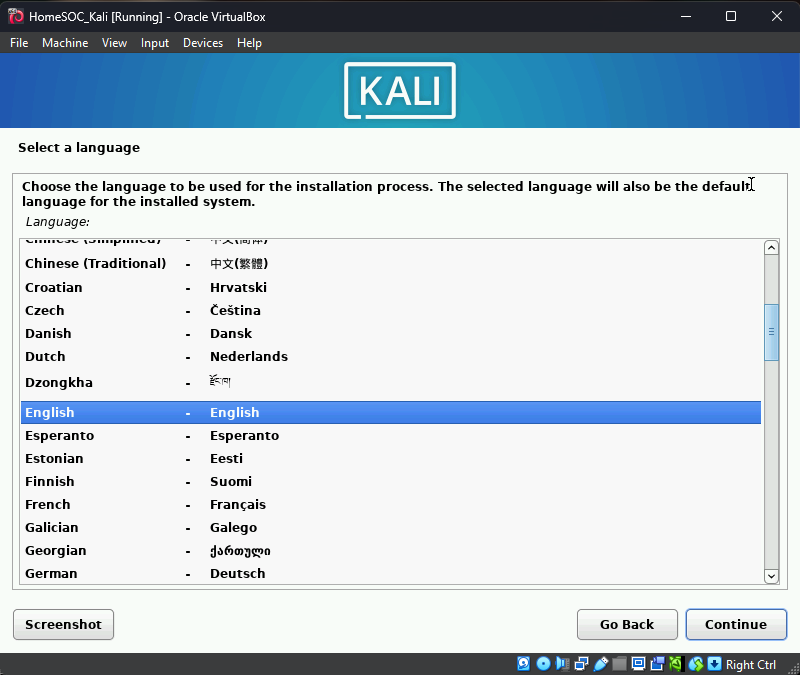
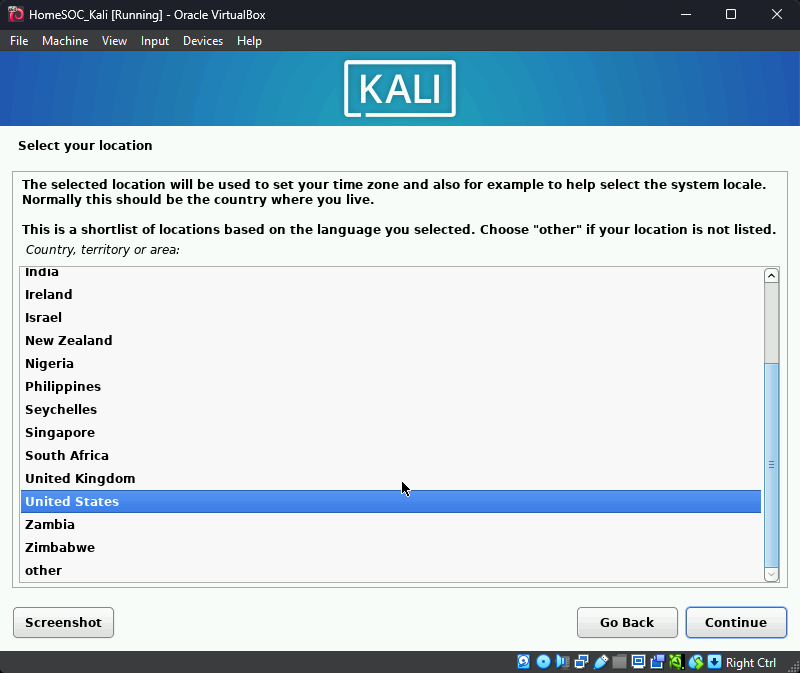
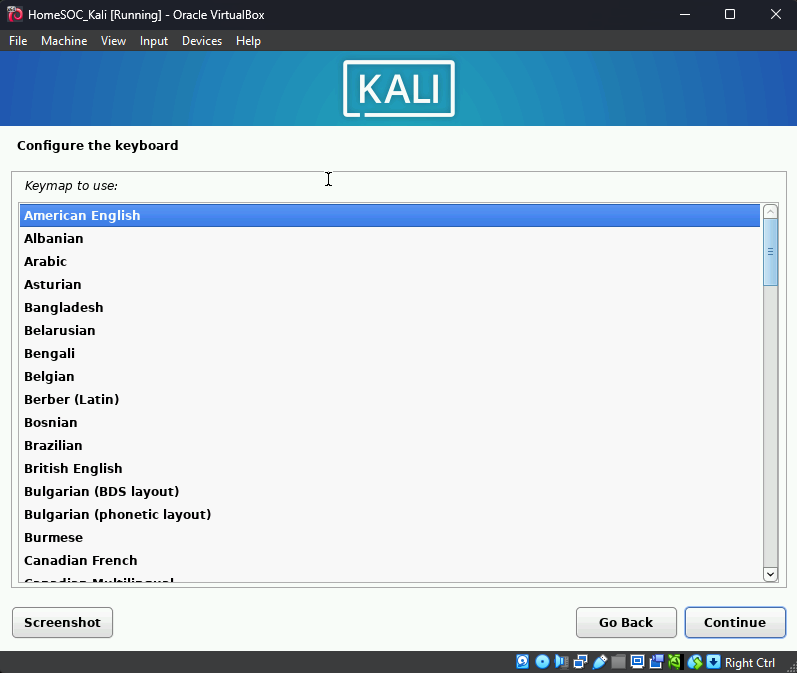
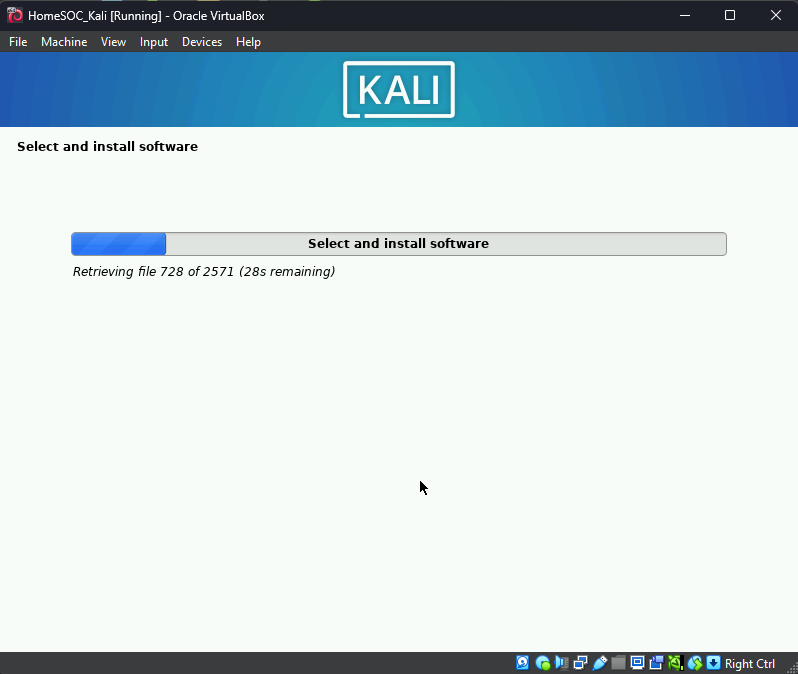
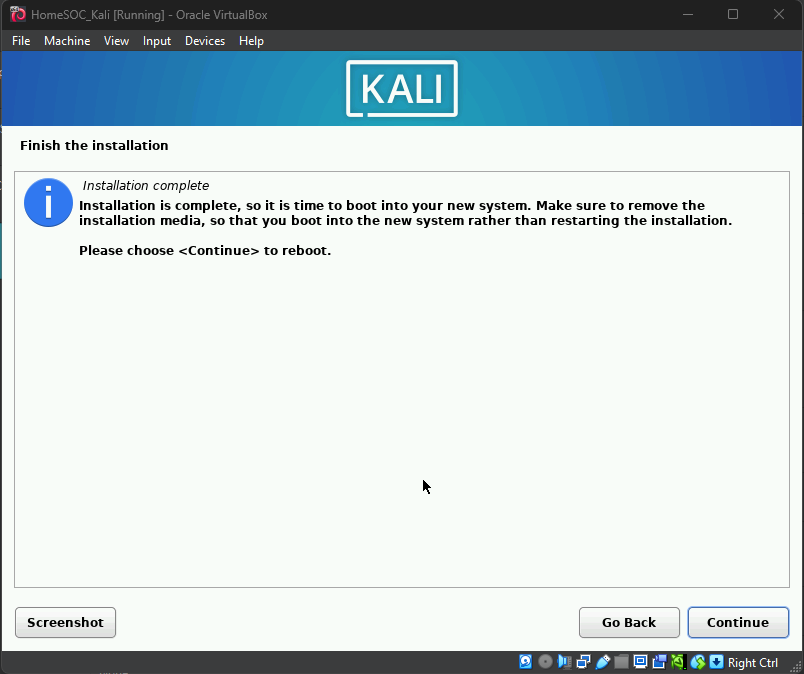
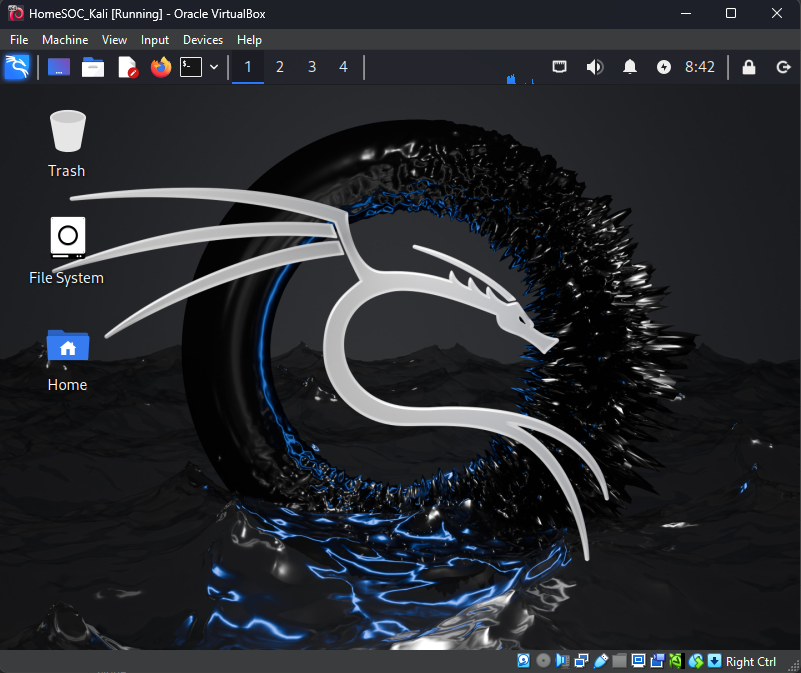
Once VM launches, follow through the Kali Linux Installation process
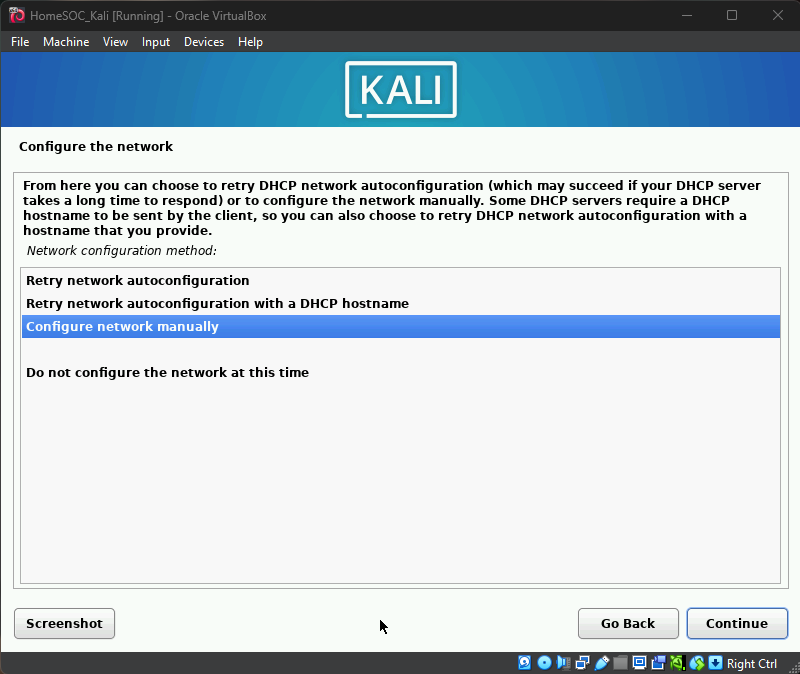
Linux will prompt to configure Network Settings due to not have network connectivity
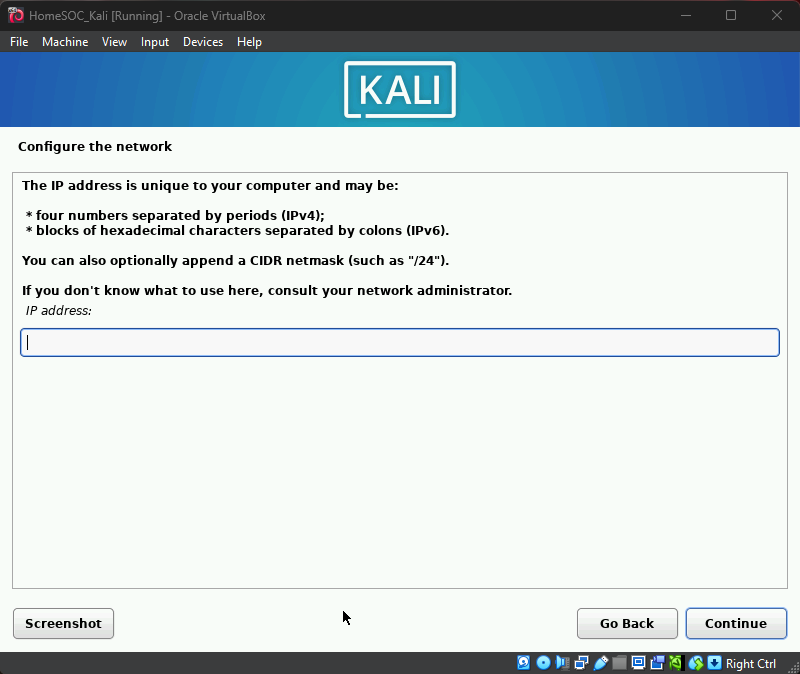
Configure a static IP address with subnet mask
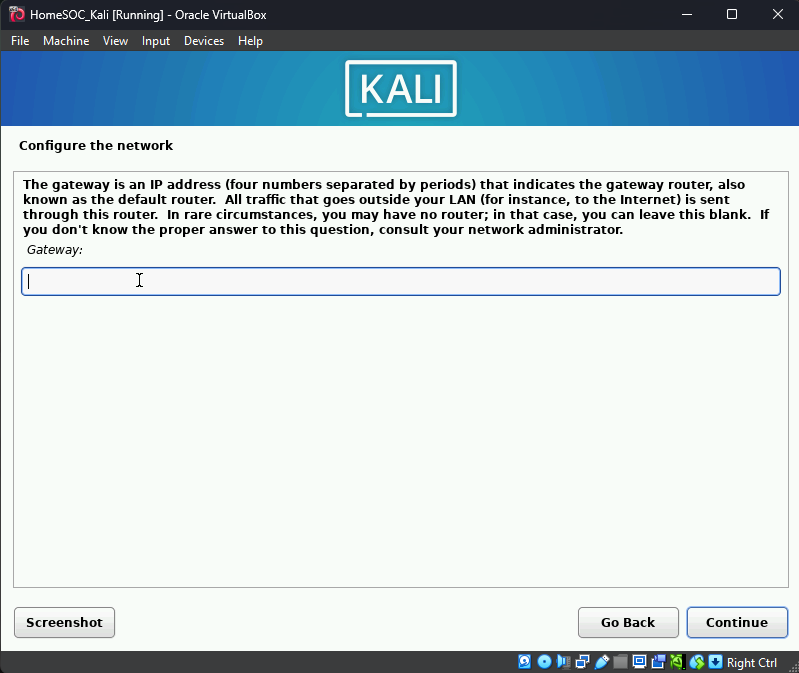
Gateway will be the LAN IP Address from pfSense VM
Name Servers will be the IP address of your Windows Server, and a backup known DNS server like Google
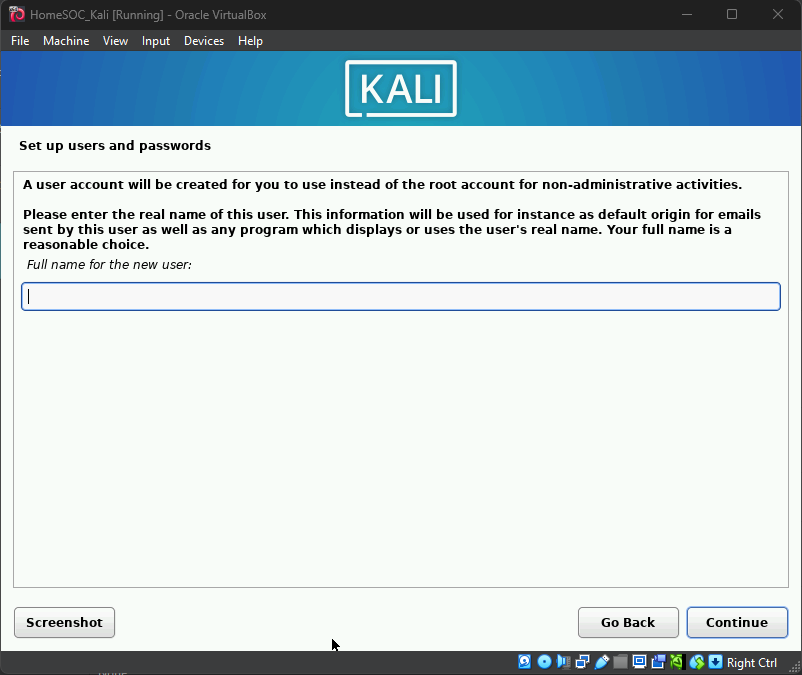
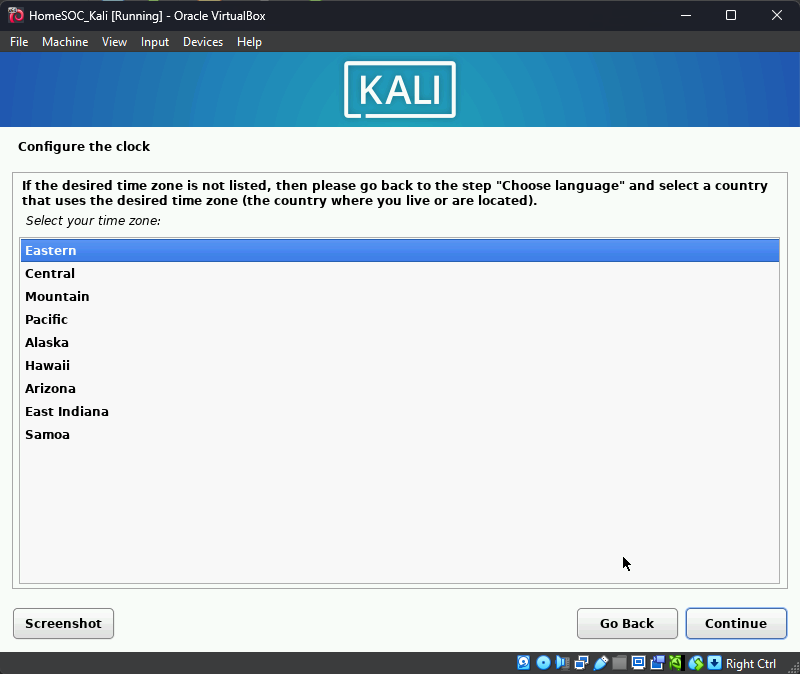
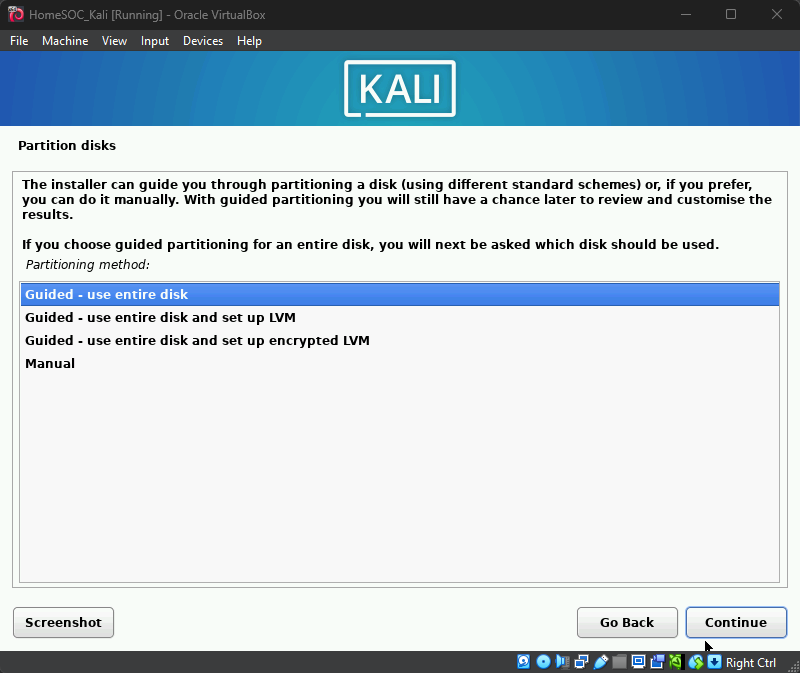
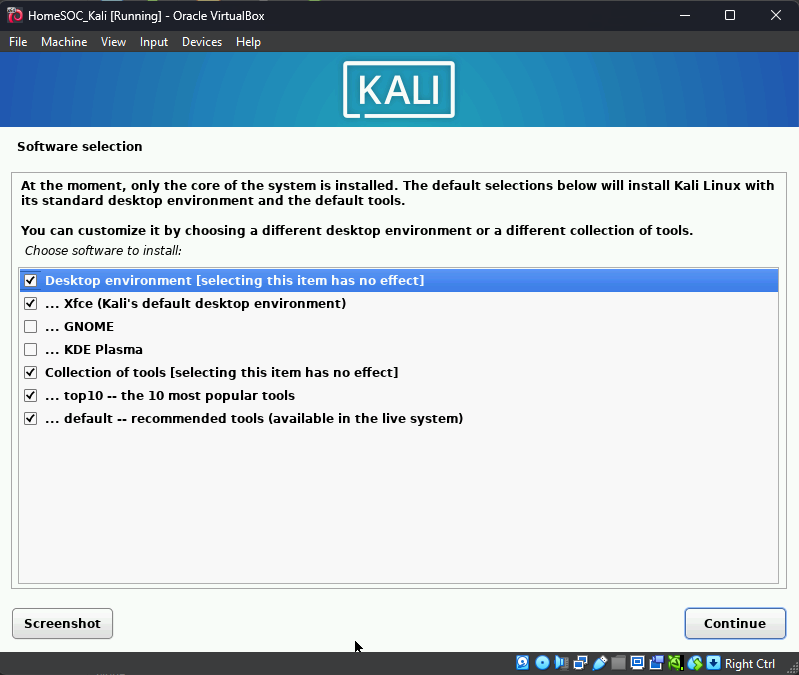
Then proceed with the final installation options below
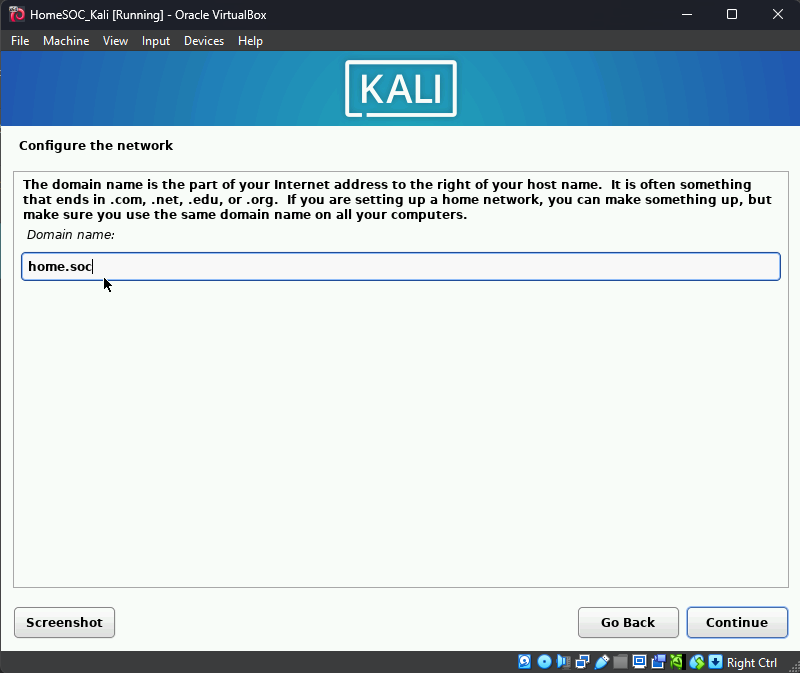
Input the domain name that was created with the Active Directory setup
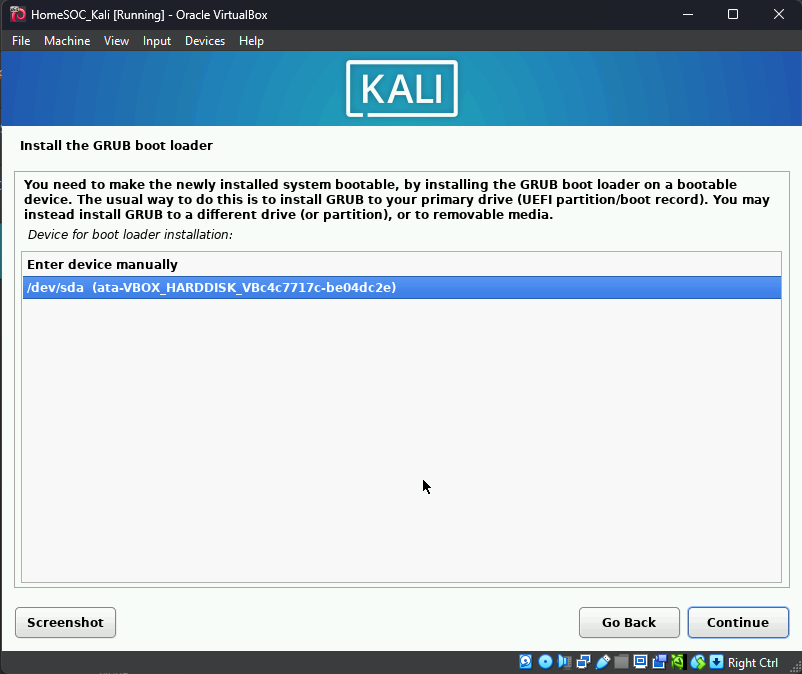
Install GRUB boot loader